CostForge has had a fresh round of product improvements, and this update is all about making the system feel clearer, faster, and easier to act on. The new interface brings a cleaner look across the platform, while the latest quote workflow helps clients move from review to decision without the usual back-and-forth.
The goal is simple: less admin around setting up work, more confidence around quote status, and a dashboard that shows what needs attention before opportunities start to cool down.

A Cleaner, Simpler Interface
The new UI gives CostForge a lighter, more focused feel. Screens have been tightened up so the most important information is easier to find, with cleaner layouts that reduce visual noise while keeping the tools close at hand.
For trade and construction businesses, that matters because quoting software is not something you use once and forget. It becomes part of the daily operating rhythm: adding clients, building quotes, checking job status, following up, and keeping work moving. The updated design makes those repeated actions feel calmer and more direct.
Guided Multi-Step Setup Forms
Creating clients, jobs, and related records now feels more structured thanks to new multi-step setup forms. Instead of asking users to complete everything in one dense screen, CostForge breaks setup into clearer stages that match how the work is actually organised.
This helps reduce missed details and makes onboarding new work feel less heavy. You can move through client information, job details, and the next setup steps with a clearer sense of progress, which is especially useful when a team member is entering information from a call, site visit, or email chain.

Send Quotes Directly to Clients
CostForge now includes a stronger client-facing quote flow. You can send a quote directly to a client from the system, giving them a clear way to review the details without relying on loose email threads or manual status updates.
Once the quote has been sent, the client can review it, add their signature, and then accept or decline. Their decision updates back in the quote editor, so your team can see where things stand without chasing for confirmation or manually changing the quote state after a reply.

Signed Decisions, Clearer Next Steps
The quote signing flow gives both sides a cleaner point of agreement. For the client, it is obvious what action they need to take. For the business, the quote editor becomes the source of truth for whether the quote is still being considered, has been accepted, or has been declined.
This is especially useful for busy teams managing several open quotes at once. A signed acceptance gives you the signal to prepare the next stage of work. A decline lets you update the opportunity and move your attention elsewhere. Either way, the decision is captured in the system instead of sitting in someone's inbox.
More Dashboard Analytics and Focus Tasks
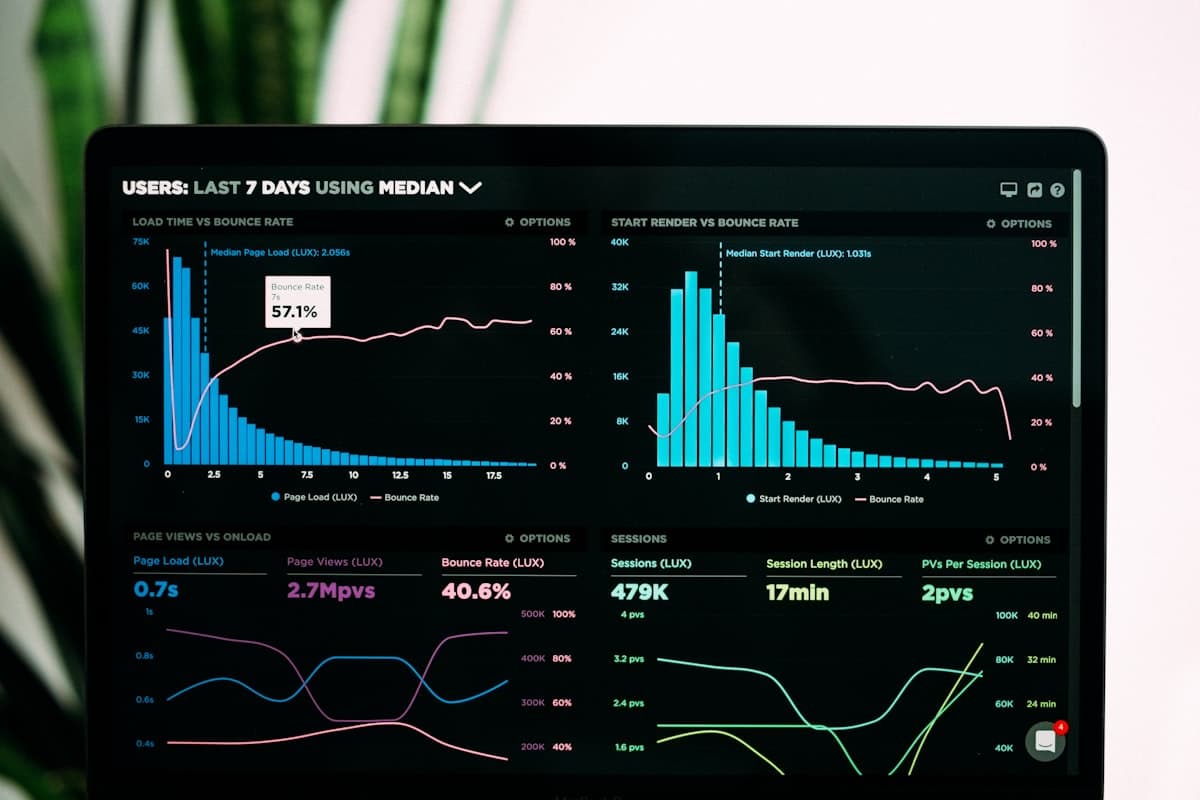
The dashboard has also been expanded with more analytics, giving a better overview of quoting and job activity across the business. The aim is to make the dashboard more than a landing screen: it should be a quick operating view of what is happening and what needs attention.
A new focus tasks section helps highlight quotes that are still in draft or have already been sent and need pushing. These are the opportunities most likely to stall if they are left alone, so bringing them into view helps teams follow up at the right time.
Together, the improved analytics and focus tasks make CostForge more useful at the start of the day. You can see the health of the pipeline, spot quotes that need action, and decide where attention should go next.
A Smoother Way to Manage the Quote Pipeline
This update connects the everyday admin around clients, jobs, quotes, and follow-up into a more joined-up workflow. The cleaner UI makes the platform easier to use. The setup forms make new records easier to create. Client quote signing makes decisions clearer. Dashboard analytics and focus tasks help keep the pipeline moving.
For trade and construction businesses, the practical benefit is straightforward: a better view of the work, less manual chasing, and a cleaner path from quote draft to client decision.